Automatically Mail Sales Postcards for Follow-Up
Turn CRM activity into physical mail with up to 9X response over email. Get noticed when calls are ignored.
Trusted by leading companies








Why PCM Integrations?
We are trusted by over 129,865 clients.
Join us today and grow your business.
27
Years in Business
129,865
Satisfied Customers
390
Expert Employees

Contact Prospects Who Stopped Answering by using Direct Mail
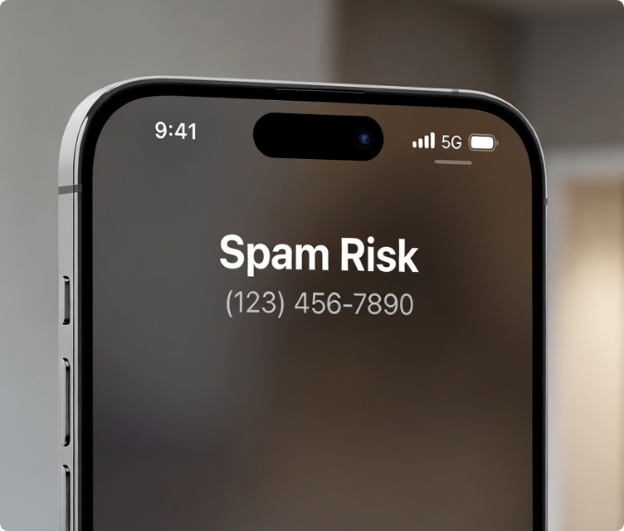
Calls get screened. Emails get buried. Buyers are overwhelmed before your rep even gets a chance.
PCM Integrations adds a channel that can’t be muted—automated postcards and letters triggered by your CRM. No extra work for sales, just a follow-up that actually gets noticed.
OTeams use this to revive stalled opportunities, support proposals, and reconnect with prospects who stopped answering the phone.
Why Calls and Emails Aren’t Enough
- 87% of Americans don’t answer unknown numbers
- Nearly half of all emails are spam
- Direct mail has 70% better recall than digital ads
Buyers are overwhelmed before sales even gets a chance. Most calls go to voicemail, inboxes are crowded with spam, and prospects prefer to research on their own before talking to sales.
That’s why many teams are adding a direct mail channel that feels personal instead of automated. A simple postcard or letter lands in a space where competition is low and attention is high.
How Sales Follow-Up Works
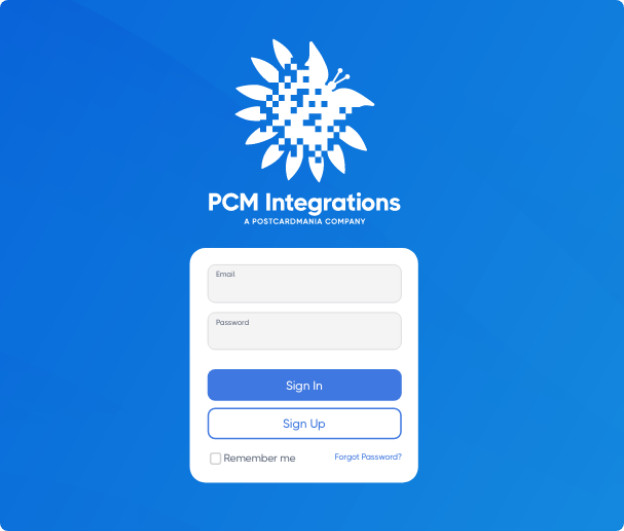
Step 1: Log Into the PCM Integrations Portal
Create a free account with PCM Integrations and connect your CRM or automation platform. No developer required. Everything is managed from one dashboard.
How Sales Follow-Up Works
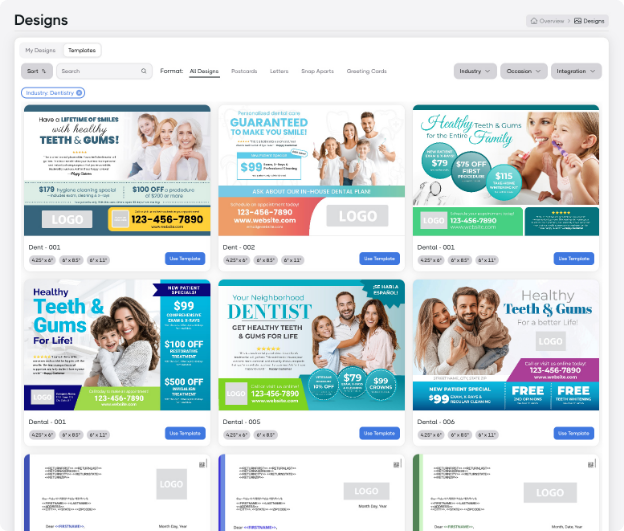
Step 2: Choose Your Design or Create Your Own
Select from ready-to-use follow-up templates or upload your own branded postcards and letters.
You can:
- Use professionally designed templates
- Upload existing creative
- Personalize with prospect data
- Match messaging to each sales stage
Every piece can be customized to reinforce your proposal, offer, or next step.
How Sales Follow-Up Works
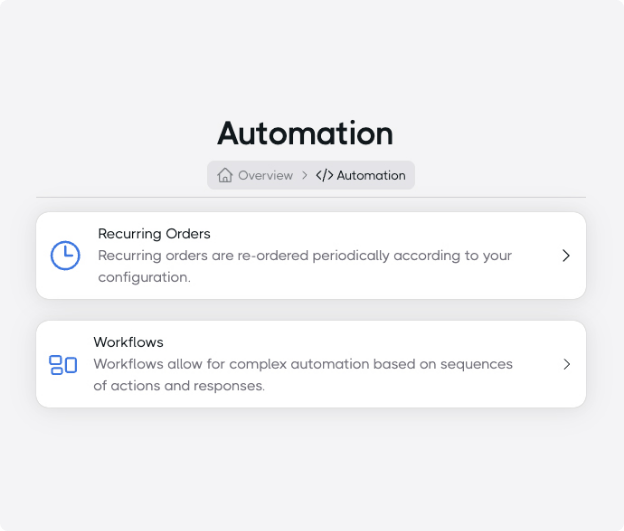
Step 3: Configure Your Workflow to Automate Follow-Ups
Choose from our prebuilt workflows or build triggers to send mail automatically when specific events occur in your system.
You could send mail when:
- No reply after X days
- After a demo or meeting
- When a proposal is sent
- Deal marked lost
- Deal marked won
- New lead created
Once configured, follow-up happens automatically—without any extra work for your sales team.

How Sales Follow-Up Works
Step 4: Start Sending
As soon as conditions are met, your direct mail is automatically printed and sent out in-house facility. Prospects receive a timely physical touchpoint that supports what sales is already doing.
No manual steps. No extra work. Just consistent follow-up that runs in the background.
Call us today to get started! 1-800-690-0945
In the Press